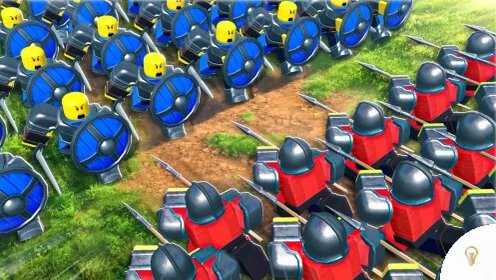
Units are the foundation of every Command an Army team. The current roster is built around four battlefield roles: shields, spears, cavalry, and archers. Each unit also has a star rarity, a level progression, and, in many cases, an evolution path. This guide brings those systems together so you can understand what to level first, where to evolve or Ascend a unit, and how to plan a useful roster.
The unit paths and progression rules below are based on the current gameplay information documented by the Command an Army units guide, with formation context from its formations guide. Costs, summon odds, and requirements can change with an update, so the in-game screen should always be treated as the final authority.
Before spending Gems on summons, check the latest Command an Army codes. Free Gems can give you extra summon attempts while you build the duplicates needed for Ascension.
How Unit Progression Works
Command an Army progression has three connected parts. Mastery comes from using a unit in battle. Evolution moves an eligible unit into a stronger form. Ascension combines duplicate copies and improves a unit that may not use a normal evolution chain.
- Mastery: level a unit through real matches.
- Evolution: promote an eligible unit to the next form in its chain.
- Ascension: combine identical copies to improve the unit’s Ascension tier.
Do not sell every duplicate as soon as you obtain it. A copy that looks unnecessary may be required for Ascension. Sell or convert extras only after checking the unit’s upgrade screen.
Unit Classes and Battlefield Roles
The current roster is easiest to understand by class. A balanced team normally needs a front line, ranged support, and at least one answer to the opponent’s main threat.
Shield Units
Shield units absorb pressure and help hold a capture point. Shieldman is the main early example, while the shield path leads toward Sentinel and Imperial Guard. Place shields in front of fragile damage dealers, but remember that shield walls can be pressured by shieldbreakers, flanking cavalry, and attacks from several directions.
Spear Units
Spear units provide anti-cavalry pressure. Spearman is a basic starting unit and can progress toward Pikeman. The current update roster also includes Spear Militia and Spear Vanguard. Keep spear units close enough to protect the formation, especially when the other team is building around mounted charges.
Cavalry Units
Cavalry units use mobility to flank, chase exposed troops, and threaten enemy archers. Scout Rider begins the documented cavalry path, which continues through Cavalryman to Lancer. Cavalry needs room to move, so do not send it directly into a braced spear line or a circle formation.
Archer Units
Archers create ranged pressure from behind the front line. Archer can evolve into Longbowman and then Flaming Archer. Flaming Archer is the major long-term goal of this path because it adds burn damage and stronger ranged pressure. Protect archers from cavalry and shieldbreaker pushes.
Evolution Paths and Unit Chains
The current unit update adds several two-star units and their three-star upgrades. The table below keeps the starting unit and its known evolution chain in two columns. The star icons show the unit’s rarity at each stage. Where the current Discord announcement or gameplay guide does not confirm a complete path, the table says so instead of guessing.
| Starting Unit | Evolution Chain |
|---|---|
| Archer ⭐ | Longbowman ⭐⭐ → Flaming Archers ⭐⭐⭐ |
| Shieldman ⭐ | Sentinel ⭐⭐ → Imperial Guard ⭐⭐⭐ |
| Spearman ⭐ | Pikeman ⭐⭐⭐ |
| Scout Rider ⭐⭐ | Cavalryman ⭐⭐ → Lancer ⭐⭐⭐ |
| Spear Militia ⭐⭐ | Spear Vanguard ⭐⭐⭐ |
| Halberder ⭐⭐ | Imperial Halberder ⭐⭐⭐ |
| Javelineer ⭐⭐ | Elite Javelineer ⭐⭐⭐ |
| Crossbowman ⭐⭐⭐ | Evolution is available in the current update wave, but the complete chain is not confirmed |
| Mercenary ⭐ | No confirmed evolution chain |
| Mace ⭐⭐⭐ | No confirmed evolution chain |
| Spartan ⭐⭐⭐⭐ | No normal evolution chain. Progress through Ascension |
| Immortal ⭐⭐⭐⭐ | No normal evolution chain. Progress through Ascension |
| Berserker ⭐⭐⭐⭐ | No normal evolution chain. Progress through Ascension |
| Samurai ⭐⭐⭐⭐ | No normal evolution chain. Progress through Ascension |
The latest Discord update announcement confirms Spear Militia ⭐⭐ → Spear Vanguard ⭐⭐⭐, Halberder ⭐⭐ → Imperial Halberder ⭐⭐⭐, and Javelineer ⭐⭐ → Elite Javelineer ⭐⭐⭐. It also lists Flaming Archers and Mace as new three-star units. Requirements and availability can change after a patch, so check the unit screen before spending duplicates or currency.
Unit Level Maximum: Level 20
Level 20 is the key checkpoint for an eligible evolution path. A unit must be leveled through battles before the Evolve option becomes available. Reaching level 20 does not make the unit useless. It means you should now inspect its upgrade options and decide whether to evolve it, Ascend it, or keep using it while you gather the required resources.
- Use the unit in matches to gain experience.
- Keep the unit in your roster while it approaches level 20.
- Check the unit management screen when it reaches the level cap.
- Read the current currency and duplicate requirements before confirming.
- Remember that four-star units normally use Ascension instead of Evolution.
Where to Evolve Units
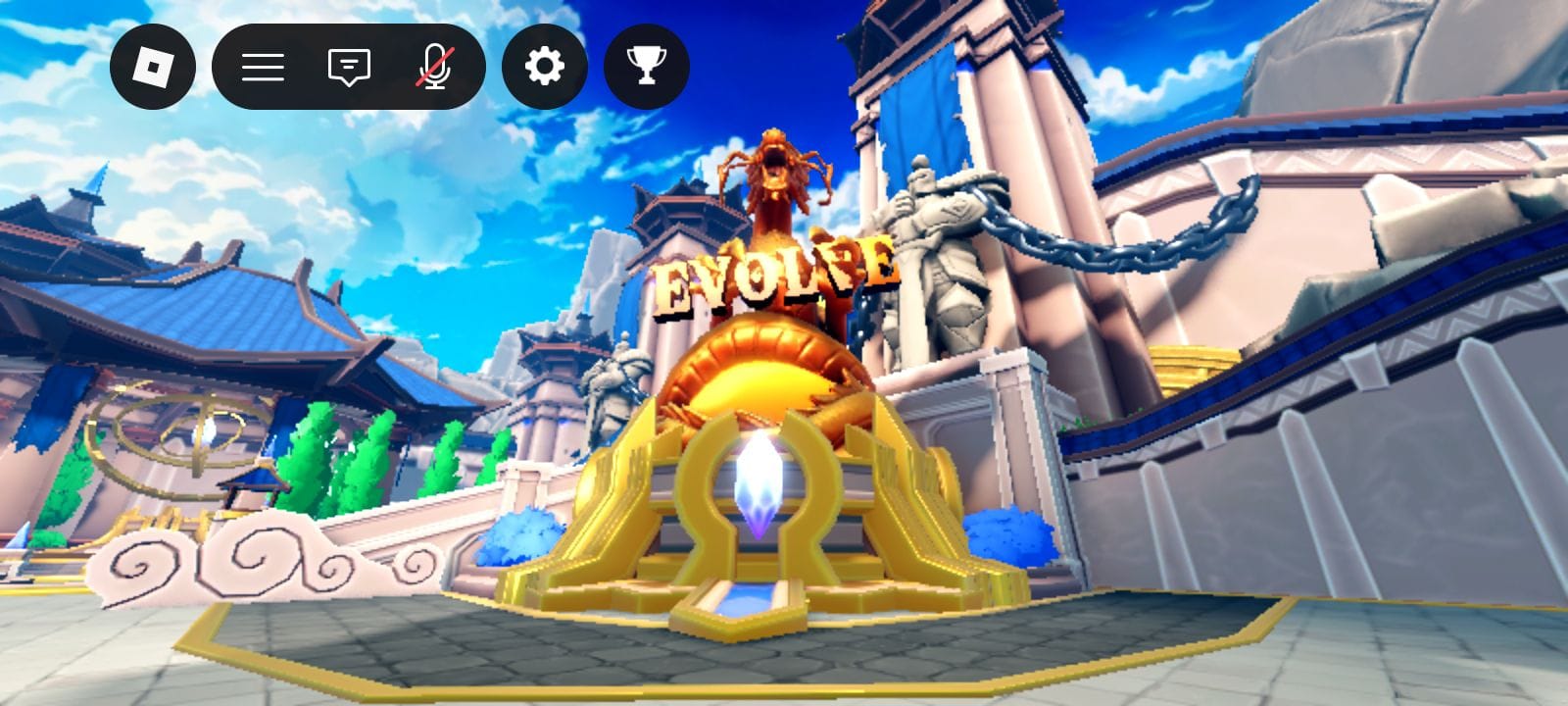
Evolution is handled from the unit or upgrade area in the main Command an Army lobby, not from the summon banner. Summons give you units. The upgrade area is where you select a unit you already own, review its level and available path, and confirm an eligible evolution.
- Return to the main lobby after a match.
- Open the unit management or upgrade area.
- Select the unit you want to improve.
- Check that it has reached level 20 and review the displayed cost.
- Choose Evolve only after confirming the next form fits your roster.
The exact menu wording can change after an update. If the Evolve button is not visible, check the unit’s level, star rarity, and whether it belongs to a documented evolution family.
Evolve area:
Where to Ascend Units
Ascension is also performed from the unit upgrade area. Select the unit you want to improve and look for the Ascension control. The screen should show how many identical copies and how much currency are needed for the next tier.
- Open the unit management or upgrade area from the lobby.
- Select the unit whose duplicates you want to use.
- Open the Ascension section and read the displayed requirement.
- Confirm only when you are comfortable consuming those copies.
- Repeat the process only when the next Ascension tier is useful for your planned army.
Current gameplay documentation describes two identical copies merging into Ascension 1, with progression capped at Ascension 3. Because an update can change a cost or cap, use the live in-game requirement rather than relying on an older screenshot.
Ascension area:

Common Units and Evolution Paths
Use this list as a practical reference while building a roster. Star ratings and availability can change with banners or updates, so check the unit screen before committing Gems or duplicates.
- Archer: 1-star ranged starter that can become Longbowman and Flaming Archer.
- Shieldman: 1-star front-line unit that can progress toward Sentinel and Imperial Guard.
- Spearman: 1-star anti-cavalry starter that can progress toward Pikeman.
- Mercenary: 1-star army filler that can be kept early or converted when no longer needed.
- Scout Rider: 2-star mobility unit that begins the cavalry route.
- Halberdier: 2-star anti-cavalry unit from the current roster.
- Spear Militia: 2-star unit that can progress toward Spear Vanguard.
- Crossbowman: 3-star ranged support unit with a current-update evolution.
- Mace: 3-star shieldbreaker for pressure against defensive lines.
- Javeliner: 3-star shieldbreaker that needs protection from arrows and cavalry.
- Imperial Guard: shield evolution endpoint and strong anti-cavalry defender.
- Flaming Archer: ranged evolution endpoint with burn damage.
- Lancer: cavalry evolution endpoint focused on mobility.
- Pikeman: spear evolution with an anti-cavalry role.
- Spartan, Immortal, Berserker, and Samurai: 4-star units that do not use the normal evolution chain.
How to Plan Your Roster
A balanced four-class roster is usually easier to develop than a collection of unrelated rare units. Start with a dependable front line, add ranged support, then choose spears or cavalry according to the opposing team.
- Keep at least one shield or other dependable front-line option.
- Use archers behind the front line instead of leaving them exposed.
- Add spears when cavalry becomes a regular problem.
- Add cavalry when you need to pressure enemy archers or isolated units.
- Use Mace, Javeliner, or another shieldbreaker when the enemy relies on a shield wall.
- Save useful duplicates for Ascension before converting them into Gems.
For the wider battle plan, see our Command an Army formations guide and shield units and shieldbreakers guide.
Unit Upgrade Checklist
- Level the unit through real matches.
- Reach level 20 before expecting an eligible Evolve option.
- Open the unit management area from the lobby.
- Check whether the unit uses Evolution, Ascension, or both systems.
- Keep identical copies needed for Ascension.
- Read the current cost before confirming an upgrade.
- Match the result to your formation and Star Limit.
- Use active codes to build summon resources before chasing a new unit.
Final Advice
The best unit is not always the rarest unit. A level 20 unit that fits your formation, has a clear evolution path, and can be supported by the rest of your army may be more valuable than a rare unit that sits unused. Level units through battles, protect duplicates for Ascension, and use the upgrade area whenever a unit reaches its maximum level.
FAQs
The current progression guides identify level 20 as the key level before checking Evolve and other upgrade options.
Return to the main lobby, open the unit management or upgrade area, select the unit, and check the Evolve section for its current requirements.
Ascension uses duplicate copies of the same unit. Select the unit in the upgrade area, review the displayed duplicate and resource requirements, and confirm only after checking that the copies are not needed elsewhere.
Current unit documentation says Spartan, Immortal, Berserker, and Samurai do not follow the normal evolution chains. Their progression focuses on Ascension and investment.
Open the unit upgrade area, check whether Evolve or Ascension is available, gather the required duplicates or resources, and keep using the unit if it still fits your army.